1. What is the most likely scenario for what you will do for your Event/Portrait photography assignment.
I will still shoot the 5k.
2. Who is the primary contact?
Mr. Doerr
3. When is the event?
May 21st
4. Where is the event?
Akins
5. What kinds of photos do they want?
Action shots
Wednesday, April 20, 2016

Tuesday, April 12, 2016
Photojournalism Preview


To get these photos the photographer would have had to get access to the location.
3. Under the section on "Planning," what does the writer suggest doing to capture emotional images?
The writer suggests talking to the people at the event.
4. Under the section on "Composition," what does the writer suggest doing to help you "pick a face out of the crowd?"
4. Under the section on "Composition," what does the writer suggest doing to help you "pick a face out of the crowd?"
The writer suggests looking for people who are dressed uniquely for standout in someone way.
5. What is a photo essay?
A photo essay is a story told with a series of pictures, the pictures show how the event progresses.
6. Summarize the 5 tips the writer provides.
6. Summarize the 5 tips the writer provides.
1. Find an interesting topic.
2. Learn about what your photographing.
3. Find what makes your story unequal.
4. Bring out emotions.
5. Make a plan
Planning
Who:
My sister.
What:
Dance recital.
When:
First weekend in May.
Where:
Hays PAC.
Why (why will the event happen?):
It's an annual dance show.
How (how will the event happen?):
People will dance.
Wednesday, April 6, 2016


Landscape
Camera: t3
Lens: 75-300mm

Shutter Speed: 1/640
ISO: 100
F/stop: 5.6

Shutter Speed: 1/640
ISO: 100
F/stop: 5.6

Shutter Speed: 1/640
ISO: 100
F/stop: 5.6

Shutter Speed: 1/640
ISO: 100
F/stop: 5.6

Shutter Speed: 1/640
ISO: 100
F/stop: 5.6

Shutter Speed: 1/640
ISO: 100
F/stop: 5.6

Shutter Speed: 1/640
ISO: 100
F/stop: 5.6

Shutter Speed: 1/640
ISO: 100
F/stop: 5.6
Friday, March 11, 2016
Lightroom Adjustment Experiments
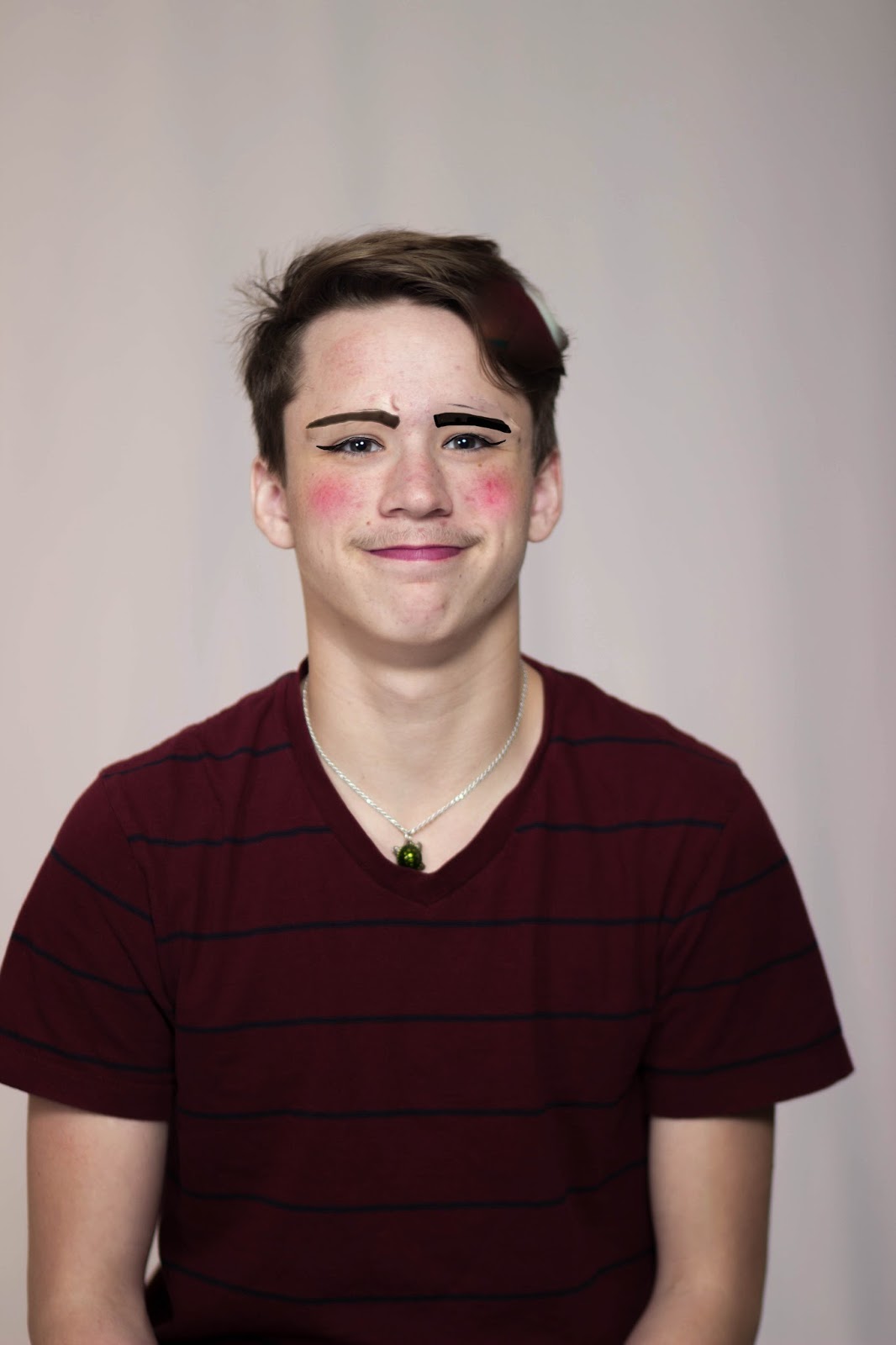
I used the adjustment brush to add effects to the portrait and spot removal.

On this photo I used the gradual filter for a spotlight effect.


Friday, February 26, 2016
sample poses
- Pose for a single man.


- Pose for a single female.

- Pose for friends.

- Pose for couple (romantic).

- Pose for family of 3 to 5 people.

Wednesday, February 24, 2016
Family Portrait preview
1. Whose family will you photograph?
My family.
2. Where will you shoot?
In the green belt behind my house.
3. What type of lighting will you use?
Natural lighting.
4. What equipment will you need?
A camera and tripod.
5. What challenges will you encounter?
My siblings not wanting to be in the picture.
6. How will you deal with these challenges?
Bribe them with food.

I like the natural expressions on the family's face and the blurred background, I wish accomplish this look but using a low aperture.
My family.
2. Where will you shoot?
In the green belt behind my house.
3. What type of lighting will you use?
Natural lighting.
4. What equipment will you need?
A camera and tripod.
5. What challenges will you encounter?
My siblings not wanting to be in the picture.
6. How will you deal with these challenges?
Bribe them with food.
Example

I like the natural expressions on the family's face and the blurred background, I wish accomplish this look but using a low aperture.
Pet Portrait preview
1. What type of pet will you photography?
I will photograph my cat.
2. Where will you shoot?
In my backyard.
3. What type of lighting will you use?
Natural lighting or an external flash if I need one.
4. What equipment will you need?
Camera, external flash(?), cat treats, cat toys.
5. What challenges will you encounter?
My cat not staying in one place or run from the camera.
6. How will you overcome these challenges?
I'll have treats to give her so she'll stay by me.
I will photograph my cat.
2. Where will you shoot?
In my backyard.
3. What type of lighting will you use?
Natural lighting or an external flash if I need one.
4. What equipment will you need?
Camera, external flash(?), cat treats, cat toys.
5. What challenges will you encounter?
My cat not staying in one place or run from the camera.
6. How will you overcome these challenges?
I'll have treats to give her so she'll stay by me.
Example:
I like the heavily blurred background, I will get this by using a 50mm lens so I'll have a down aperture. I also like how the cat's eyes match the background, my cat has greenish eyes too so I'll get this look by taking her photo outside.

Monday, February 22, 2016
HDR photo
Over Exposed

Under Exposed

Balanced

Final HDR photo

Explanation: The photos were taken in manual with bracketing and combined automatically in photoshop.
Reflection: I think the final picture turned out okay, if the exposures had been more different it would have more of a HDR look.
Tuesday, February 16, 2016
HDR photography
1. What does HDR stand for?
High Dynamic Range
2. In your own words, explain what makes an HDR photo an HDR photo?
Different exposures layered together to make the colors bright and sharp.
3. What is bracketing?
Bracketing is a mode the atomically takes the different exposures and layers them.
4. What software can you use to produce an HDR image?
You can layer images in photoshop.
5. When selecting layers, what do you have to be careful about when creating your HDR photos?
Leaving some natural light and shadows in the picture.
6. Save your favorite HDR photo on your blog.

High Dynamic Range
2. In your own words, explain what makes an HDR photo an HDR photo?
Different exposures layered together to make the colors bright and sharp.
3. What is bracketing?
Bracketing is a mode the atomically takes the different exposures and layers them.
4. What software can you use to produce an HDR image?
You can layer images in photoshop.
5. When selecting layers, what do you have to be careful about when creating your HDR photos?
Leaving some natural light and shadows in the picture.
6. Save your favorite HDR photo on your blog.

Subscribe to:
Posts (Atom)